Best Automated Code Review Tools for Developers in 2026

TL;DR overview
- Automated code review uses specialized software tools to automatically analyze source code for defects, style violations, security vulnerabilities, and maintainability concerns without manual inspection.
- Integrating static code analysis directly into continuous integration workflows and IDEs provides immediate feedback, allowing developers to address issues before deployment.
- Software like SonarQube, Codiga, CodeRabbit, DeepSource, and Qodo provide critical AI-assisted insights, customize rules, and offer real-time autofix suggestions.
- Evaluating language coverage, false-positive noise levels, and pipeline integrations ensures development teams balance power with usability to reduce technical debt efficiently.
Why Automated Code Review Is Important in 2026
In 2026, software development is faster, more distributed, and more complex than ever. Teams are shipping code continuously through CI/CD pipelines, often across multiple repositories, languages, and cloud-native architectures. In this environment, relying solely on manual code reviews is no longer scalable. Automated code review tools provide consistent, repeatable analysis of source code, helping teams detect defects, style issues, and maintainability concerns early in the development lifecycle. By embedding static code analysis directly into IDEs, pull requests, and continuous integration workflows, developers receive immediate feedback and can fix issues before they become expensive to address.
At the same time, security has become a top priority. Modern applications face constant threats, and security vulnerabilities introduced during development can have serious business and compliance consequences. Automated code review tools help shift security left by continuously scanning code for vulnerabilities, unsafe patterns, and violations of secure coding standards. Combined with AI-assisted insights, these tools reduce false positives, prioritize the most critical issues, and free up developers to focus on design and innovation rather than repetitive review tasks. In 2026, automated code review is no longer just a quality enhancement — it is a foundational practice for building secure, maintainable, and reliable software at scale.
What is Automated Code Review?
Automated code review is the process of using specialized software tools to automatically analyze source code and identify issues such as defects, style violations, security vulnerabilities, and maintainability concerns without requiring manual inspection. These tools rely on techniques like static code analysis, rule-based checks, and increasingly AI-driven analysis to inspect code as it is written, committed, or submitted through pull requests. Automated code review systems generate warnings, suggestions, or actionable insights that help developers understand and resolve problems early in the development lifecycle.
In modern software engineering, automated code review is typically integrated into IDEs, version control systems, and continuous integration and continuous delivery (CI/CD) pipelines. This allows teams to continuously inspect code changes, enforce coding standards, and prevent problematic code from being merged or deployed. By providing fast, consistent, and objective feedback, automated code review complements human reviews, improves overall code quality and security, and enables development teams to scale their workflows efficiently as applications and codebases grow in size and complexity.
The Top 5 Automated Code Review Tools in 2026
In 2026, the landscape of automated and AI-powered review tools continues to evolve. Leading platforms now combine static code analysis, intelligent code inspection, contextual insights, and IDE integrations, helping developers reduce technical debt and deliver more maintainable, secure software.
Below is our curated list of the best automated code review tools trending in 2026 — from industry stalwarts to cutting-edge AI assistants.
1. SonarQube

SonarQube is one of the most established automated code review platforms, providing deep static code analysis of source code to detect defects, security vulnerabilities, code smells, and style issues before they reach production. It continuously inspects code quality and security as part of your CI/CD pipeline and tracks maintainability concerns over time. SonarQube Cloud brings these capabilities as a managed SaaS option.
Key Features:
- Advanced Static Application Security Testing (SAST): Identifies hidden vulnerabilities, taint flows, and risky patterns.
- Software Composition Analysis (SCA): Detects known CVEs and generates SBOMs to understand open-source component risk.
- Integrated IDE plugins: Real-time feedback in VS Code, Eclipse, IntelliJ, and more.
- Quality Gates & Governance: Enforce standards automatically before merges.
- Multi-Language Coverage: Supports 35+ programming languages and frameworks.
2. Gitar AI Code Review
Best For
Agentic AI code review and automated pull request remediation
Key Features
- AI-powered pull request reviews with full codebase context
- Automatic bug and logic error detection
- CI failure analysis and root-cause identification
- Auto-generated fixes validated against CI pipelines
- GitHub and GitLab integrations
- Custom review policies defined in natural language
- Self-hosted deployment options for enterprise security
Pros
- Fixes issues automatically instead of only reporting them
- Reviews code with awareness of broader codebase context
- Reduces manual code review and CI troubleshooting effort
- Strong support for AI-generated code validation
- Enterprise-friendly deployment options
Cons
- Newer platform compared to more established competitors
- Advanced automation capabilities may require workflow tuning
- Pricing details require direct consultation
Pricing Summary
Free trial available with custom team and enterprise pricing.
Ideal User
Engineering teams managing high pull request volume, AI-generated code, and complex CI/CD environments.
Why It Stands Out
Gitar goes beyond traditional AI code review by automatically diagnosing issues, generating fixes, validating them against CI pipelines, and applying changes directly to pull requests. Its combination of contextual code understanding, automated remediation, and CI-aware validation makes it one of the most advanced agentic code review platforms currently available.
3. CodeRabbit
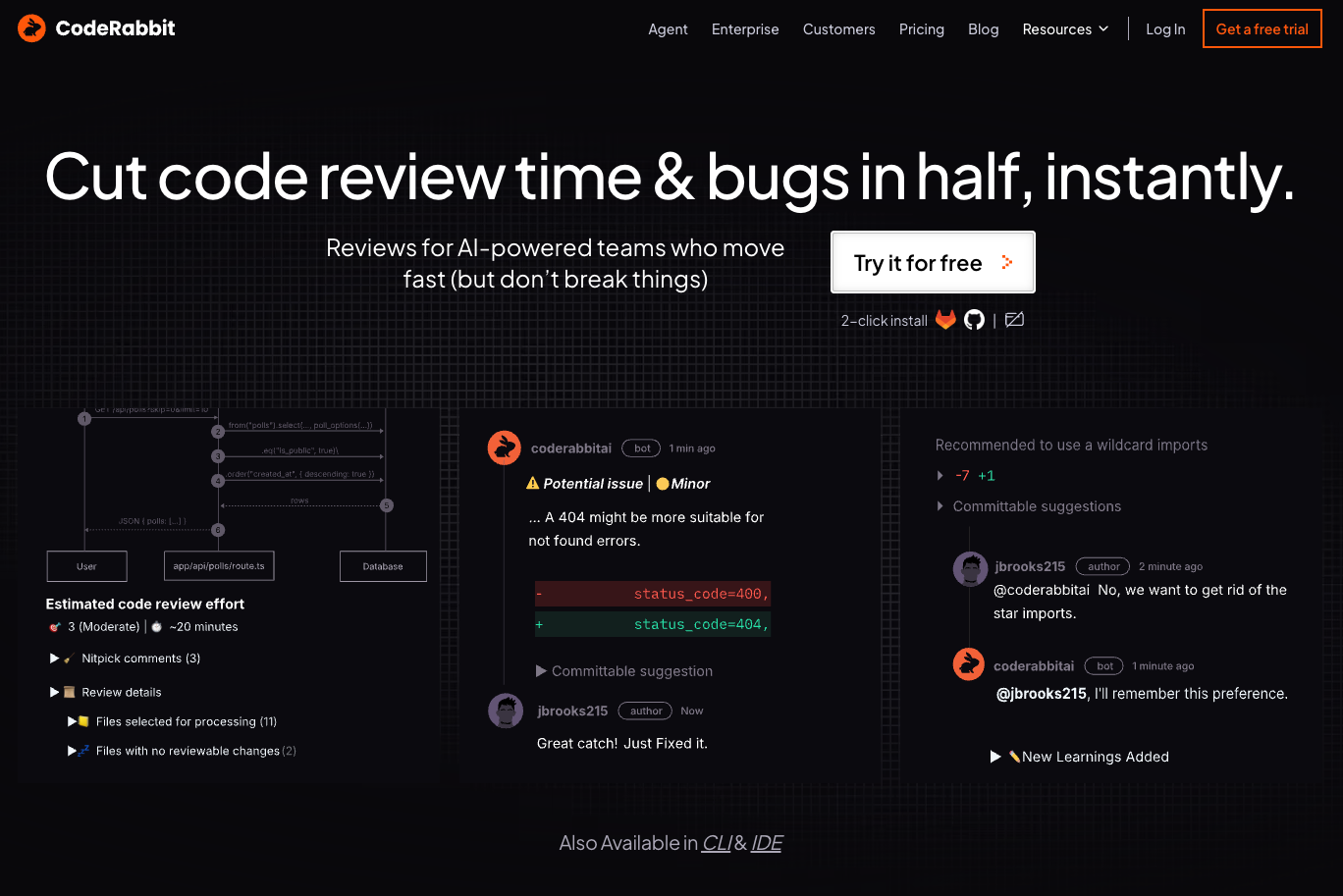
CodeRabbit brings AI-assisted code review directly into GitHub and GitLab workflows, helping teams speed up pull request reviews by summarizing changes, highlighting potential issues, and offering contextual suggestions. Built for modern codebases, it enhances collaboration by automating repetitive review tasks and letting reviewers focus on design and logic.
Key Features:
- AI-Generated Summaries & Comments: Context-aware insights at the PR level.
- One-Click Fix Suggestions: Helps accelerate resolution of common issues.
- GitHub & GitLab Native Integration: Works within familiar Git workflows.
- Code Graph Reasoning: Understands relationships across code changes.
- Supports Complex, Multi-Repo Contexts: Ideal for distributed teams.
4. DeepSource
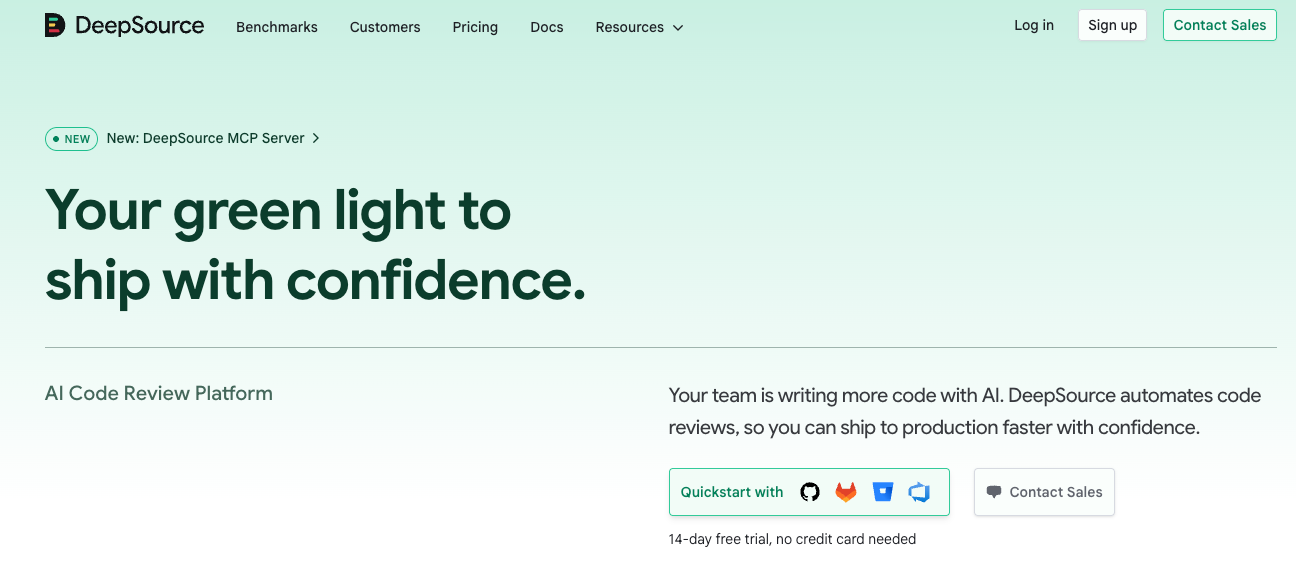
DeepSource offers automated code review and quality enforcement with an emphasis on static analysis and autofix suggestions. It continuously monitors new code for issues and supports customizable quality gates and rule sets. DeepSource helps teams enforce coding standards and reduce style issues, bugs, and other defects.
Key Features:
- Automated Issue Detection: Scans code with each change and pull request.
- Autofix Capabilities: Suggests fixes or automated corrections.
- Flexible Rules & Policies: Tailor static analysis to team needs.
- Multi-Platform Support: Integrates with GitHub, GitLab, Bitbucket, Azure DevOps.
- Code Quality Gates: Enforce standards before merges.
5. Qodo

Qodo (formerly Codium) adds a context-aware automated review layer across IDEs, CI/CD pipelines, and Git workflows. It uses AI to understand code intent, helping developers identify deep quality issues, enforce coding standards, and enhance maintainability across complex codebases.
Key Features:
- Context-Aware Reviews: AI understands repository context to reduce noise.
- IDE & Pipeline Integration: Works with VS Code and Git platforms.
- Pull Request Automation: Apply consistent review standards during merges.
- Enterprise-Ready Rules: Supports compliance and team policies.
- AI-Enhanced Code Insights: Goes beyond simple linting to find logic and structural concerns.
Choosing the Right Tool for Automated Code Review
Selecting the right automated code review tool depends on your team’s goals, technology stack, and development workflows. Start by clarifying what matters most to your project: are you primarily focused on improving code quality and maintainability, strengthening security by identifying vulnerabilities early, or accelerating pull request feedback with AI-driven insights? Different tools excel in different areas, so aligning capabilities with priorities ensures you get the most value.
Next, consider how well a tool integrates with your existing environment. Look for solutions that support your languages and frameworks, plug directly into your IDE and version control system, and fit into your CI/CD pipeline with minimal configuration. Tools with real-time feedback in editors like VS Code or IntelliJ can help developers catch issues as they type, while strong CI/CD integration ensures quality checks occur automatically on commits and pull requests.
Evaluate the depth and clarity of analysis as well. Static code analysis and security scanning should be accurate and actionable, with manageable noise levels — prioritizing critical issues over less impactful warnings. Additionally, tools that offer customizable quality rules, team dashboards, and reporting make it easier to enforce standards and track progress over time.
Finally, balance power with usability. A tool that is difficult to configure or that overwhelms developers with false positives can hinder adoption. Trial periods, proof-of-concepts, and stakeholder feedback can help ensure the tool fits your team’s workflow and actually improves code quality without disrupting productivity. The right choice will enhance your development process, reduce technical debt, and help your team deliver secure, maintainable software more efficiently.
FAQs
1. What is the difference between automated code review and manual code review?
Automated code review uses tools to analyze source code automatically and detect issues such as defects, style problems, security vulnerabilities, and maintainability concerns. Manual code review, on the other hand, is performed by developers who review code changes for logic, design, and readability. In practice, the two approaches work best together: automated tools handle repetitive, rule-based checks at scale, while human reviewers focus on architecture, business logic, and overall design quality.
2. Can automated code review tools replace human code reviewers?
No. Automated code review tools are designed to complement, not replace, human reviewers. They excel at consistently applying coding standards, running static code analysis, and identifying known vulnerability patterns. Human reviewers are still essential for evaluating design decisions, understanding business context, and mentoring other developers. Using both together leads to faster reviews and higher-quality outcomes.
3. Do automated code review tools slow down development?
When properly configured, automated code review tools typically speed up development rather than slow it down. By catching issues early in IDEs or during pull requests, developers spend less time fixing bugs later in the lifecycle. Integration with CI/CD pipelines also automates quality checks that would otherwise require manual effort, reducing rework and review bottlenecks.
4. Are automated code review tools suitable for small teams or startups?
Yes. Many automated code review tools offer lightweight setups, cloud-based options, and free tiers that work well for small teams and startups. These tools help establish good coding standards early, reduce technical debt, and improve security without requiring dedicated quality or security specialists. As the team grows, the same tools can scale with more advanced rules and reporting.
5. What should I look for in an automated code review tool in 2026?
In 2026, key factors include strong static code analysis, accurate security vulnerability detection, low false positives, and seamless integration with IDEs and CI/CD workflows. AI-assisted insights, customizable rules, and clear reporting are also important for improving developer experience and adoption. The best tool is one that fits naturally into your workflow and helps your team write more secure, maintainable code with minimal friction.
