Best TypeScript Static Code Analysis Tools for Developers in 2026

TL;DR overview
- TypeScript static code analysis is the automated examination of source code without execution to identify quality bugs, code smells, and security vulnerabilities early.
- It enforces secure coding standards, reduces technical debt, and guides continuous code refactoring and code cleanup across evolving, scalable applications.
- Tools like SonarQube provide comprehensive application security and quality analysis, seamlessly integrating into automated DevSecOps and CI/CD pipelines.
- Combining static analysis with robust cloud computing security ensures safer, highly maintainable deployment for modern cloud-native architectures.
Why TypeScript Static Code Analysis Is Important in 2026
In 2026, TypeScript static code analysis is no longer just about catching syntax errors or enforcing style rules—it’s a critical foundation for building reliable, scalable software. Modern TypeScript applications span front-end frameworks, backend services, APIs, and cloud-native architectures, where small defects can quickly become systemic failures. Static code analysis helps teams identify bugs, code smells, and maintainability issues early, supporting consistent code quality and security while enabling continuous code refactoring and proactive code cleanup as codebases evolve.
At the same time, growing security threats and regulatory pressure have made secure coding and application security first-class concerns. Static analysis tools now play a central role in shift-left security strategies, detecting insecure patterns, logic flaws, and vulnerability risks before code reaches production. Integrated into CI/CD pipelines, they support modern DevSecOps practices and cloud computing security by providing fast, automated feedback developers can act on immediately. In short, TypeScript static code analysis in 2026 is essential not just for writing better code—but for delivering software that is safer, more maintainable, and ready to scale.
What is TypeScript Static Code Analysis?
TypeScript static code analysis is the automated examination of TypeScript source code without executing it, with the goal of identifying issues related to code quality and security early in the development process. By analyzing syntax, type information, control flow, and data flow, static analysis tools can detect bugs, code smells, logic errors, and violations of secure coding practices before they turn into runtime failures. This makes static analysis a key enabler of reliable debugging, long-term maintainability, and consistent coding standards across teams.
Beyond basic linting, modern TypeScript static code analysis focuses on improving overall software health. It highlights areas of technical debt, guides continuous code refactoring, and supports systematic code cleanup by prioritizing the most impactful issues. Advanced tools also address application security concerns, such as injection risks, insecure authentication patterns, and misused APIs, while fitting naturally into CI/CD pipelines and cloud computing security workflows. In 2026, static code analysis has become an essential pillar of professional TypeScript development, helping teams ship cleaner, safer, and more scalable software.
The Top 5 TypeScript Static Code Analysis Tools for 2026
TypeScript has firmly established itself as the backbone of large-scale JavaScript development. In 2026, teams are shipping complex cloud-native applications, microservices, and front-end platforms where code quality and security are no longer optional—they’re foundational to performance, maintainability, and trust.
Static code analysis tools help developers detect bugs, code smells, security vulnerabilities, and maintainability issues early in the software development lifecycle (SDLC). When used correctly, they reinforce secure coding, enable continuous code refactoring and code cleanup, and reduce costly production incidents.
This article reviews the best TypeScript static code analysis tools in 2026, using the same evaluation mindset as our previous language-focused comparisons, and highlighting what makes each tool relevant for modern developers.
1. SonarQube

Best overall TypeScript static code analysis platform
SonarQube is widely regarded as the industry benchmark for static code analysis, and in 2026 it continues to set the standard for TypeScript projects. Designed for teams of all sizes, SonarQube provides deep, rule-based analysis focused equally on code quality and security.
Key strengths
- Detection of bugs, code smells, and security vulnerabilities specific to TypeScript
- Extensive application security rules aligned with secure coding standards
- Clear visibility into technical debt to guide long-term code refactoring
- Built-in support for continuous code cleanup through Quality Gates
- Strong CI/CD integration supporting modern DevSecOps and cloud computing security practices
- AI-assisted remediation suggestions (AI CodeFix) that reduce debugging time
SonarQube excels at turning static analysis into an ongoing discipline rather than a one-time audit, helping teams maintain clean, secure codebases as they scale.
Best for: Teams that want a comprehensive, enterprise-grade solution for TypeScript code quality and security.
2. ESLint
Best lightweight and customizable solution
ESLint remains one of the most popular tools in the TypeScript ecosystem when paired with @typescript-eslint. It focuses primarily on enforcing coding standards and preventing common programming errors.
Pros
- Highly configurable rule sets
- Large community and plugin ecosystem
- Seamless IDE and CI integration
Limitations
- Limited built-in application security coverage
- No native tracking of technical debt or structured code refactoring guidance
- Relies heavily on manual rule curation
Best for: Small to mid-sized teams focused on style consistency and basic static analysis.
3. Snyk Code
Best security-focused TypeScript analysis tool
Snyk Code specializes in identifying security vulnerabilities using semantic analysis and AI-driven techniques, making it a strong option for security-first teams.
Strengths
- Strong focus on secure coding and vulnerability detection
- Useful for application security reviews and threat modeling
- Good fit for cloud-based CI/CD pipelines
Trade-offs
- Less emphasis on maintainability and code cleanup
- Limited support for large-scale code refactoring initiatives
Best for: Teams prioritizing security scanning over general code quality management.
4. DeepSource
Best for fast feedback and automated fixes
DeepSource provides static analysis with automated suggestions aimed at quickly improving code quality in TypeScript projects.
Key features
- Automatic fixes for common bugs and anti-patterns
- CI-first design for cloud-native development
- Helpful insights for reducing short-term technical debt
Gaps
- Shallower rule depth compared to enterprise platforms
- Limited coverage of advanced application security scenarios
Best for: Startups and fast-moving teams seeking quick, automated improvements.
5. CodeQL
Best for advanced semantic analysis
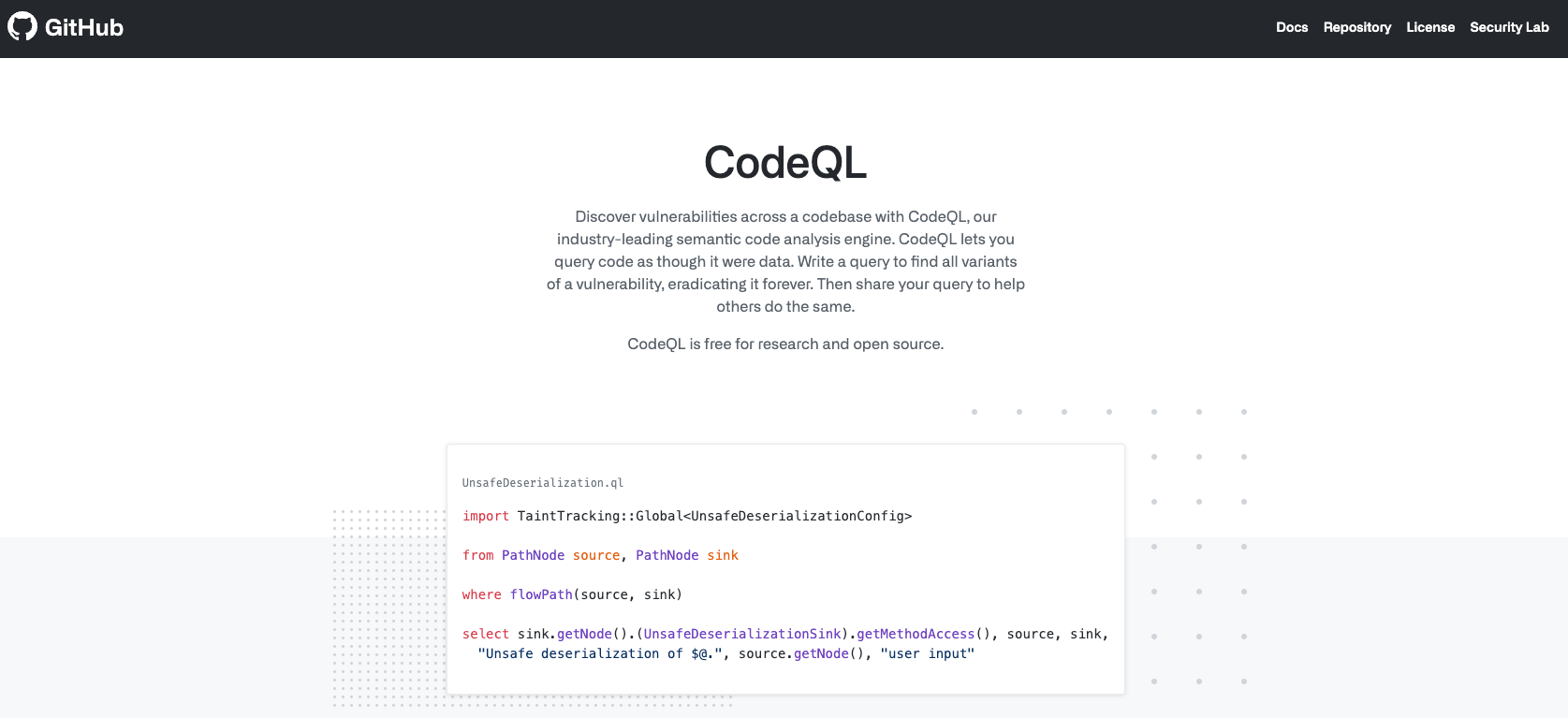
CodeQL allows developers to query codebases as data, enabling deep semantic analysis and custom security investigations for TypeScript.
Why it stands out
- Powerful querying model for finding complex vulnerabilities
- Strong alignment with application security research
- Widely used for security audits and compliance
Considerations
- Steeper learning curve
- Less suitable for continuous code cleanup and day-to-day refactoring workflows
Best for: Security engineers and advanced teams performing in-depth analysis.
Choosing the Right Tool for Your TypeScript Project
Choosing the right TypeScript static code analysis tool in 2026 depends on your project’s scale, security requirements, and development maturity. Smaller teams or early-stage projects may prioritize ease of setup and fast feedback, while larger organizations need deeper insight into code quality and security, technical debt, and long-term maintainability. It’s important to evaluate how well a tool supports continuous code refactoring and code cleanup, integrates into your existing CI/CD pipelines, and fits your cloud or on-premise delivery model without adding unnecessary friction for developers.
Security considerations are equally decisive. Teams building business-critical or internet-facing applications should look for strong secure coding and application security coverage, including rules that detect real-world vulnerability patterns rather than just stylistic issues. Developer experience also matters: tools that provide clear, actionable feedback help reduce debugging time and encourage adoption. Ultimately, the best TypeScript static analysis tool is one that aligns with your workflow, reinforces cloud computing security, and scales with your codebase—supporting not just today’s needs, but the evolution of your software over time.
FAQs
1. What is the difference between TypeScript static code analysis and linting?
Linting focuses mainly on code style and simple programming errors, while TypeScript static code analysis goes much deeper. Static analysis evaluates type information, control flow, and data flow to detect bugs, code smells, security vulnerabilities, and maintainability issues. It supports long-term code refactoring, systematic code cleanup, and stronger application security, not just formatting consistency.
2. Is TypeScript static code analysis still necessary if TypeScript already has strong typing?
Yes. While TypeScript’s type system catches many issues, it does not detect logical errors, architectural problems, insecure coding patterns, or security vulnerabilities. Static code analysis complements the compiler by improving code quality and security, identifying technical debt, and enforcing secure coding practices across the entire codebase.
3. How does static code analysis improve application security in TypeScript projects?
Static analysis tools identify insecure patterns such as improper input validation, unsafe API usage, and authentication or authorization flaws. By integrating into CI/CD pipelines, they enable shift-left security and help teams address application security risks early, supporting broader DevSecOps and cloud computing security strategies.
4. Can static code analysis help with refactoring large TypeScript codebases?
Absolutely. Static analysis provides visibility into technical debt, duplicated logic, and complex or fragile code areas. This makes it easier to prioritize code refactoring efforts and perform continuous code cleanup without introducing regressions, especially in large or long-lived TypeScript projects.
5. When should TypeScript static code analysis be integrated into the development process?
Ideally, from the very beginning of a project. In 2026, best practice is to integrate static analysis both locally and in CI/CD pipelines so issues are caught early and consistently. This approach reduces debugging effort, improves developer productivity, and ensures high code quality and security as the project scales.
